PROJECT BRIEFEvery detail
has its place.
has its place.
SELF-HOSTED TRANSLATION WORKSPACE
From document parsing to translation and review,
bring layout, terminology and translation memory into one workflow.
Perpetual license by default, with periodic validation. Third-party model and infrastructure fees are separate.
Identify paragraphs, tables and tags while retaining document structure.
DEPLOYMENT / GET STARTED
The installer configures the application, PostgreSQL and Redis. Copy the command for your system to download, verify and start setup.
Run installation commands on a computer. Copy this page link and open it on your target device.
Open PowerShell 5.1 or PowerShell 7 and paste the complete command.
& {
    $ErrorActionPreference = 'Stop'
    [Net.ServicePointManager]::SecurityProtocol = [Net.ServicePointManager]::SecurityProtocol -bor [Net.SecurityProtocolType]::Tls12
    $release = '0.2.1-r11'
    $target = Join-Path $env:LOCALAPPDATA "TransDoc\Packages\$release"
    if (Test-Path -LiteralPath $target) { throw "Directory exists: $target . Run its Start.cmd to continue; do not delete config or Docker volumes." }
    $zip = Join-Path ([IO.Path]::GetTempPath()) ("TransDoc-" + [Guid]::NewGuid().ToString('N') + '.zip')
    $url = "https://github.com/70451136/TransDoc/releases/download/v$release/TransDoc-Windows-x64-$release.zip"
    Invoke-WebRequest -UseBasicParsing -Uri $url -OutFile $zip
    $expected = '2f48b52e034cd32c12c5b5b9d96f5a7fd044f7887af5970028412d1ee7715a99'
    if ((Get-FileHash -LiteralPath $zip -Algorithm SHA256).Hash.ToLowerInvariant() -ne $expected) { throw 'SHA256 mismatch; installation stopped.' }
    $stage = $target + '.partial-' + [Guid]::NewGuid().ToString('N')
    Expand-Archive -LiteralPath $zip -DestinationPath $stage
    [IO.Directory]::Move($stage, $target)
    Start-Process -FilePath (Join-Path $target 'Start.cmd') -WorkingDirectory $target
}Requires x64 Windows 10/11 meeting current Docker Desktop requirements, hardware virtualization, WSL 2 and Linux containers. Allow at least 10 GB of free space. License acceptance, UAC, system components or a restart may require your input; setup is not guaranteed to be unattended.
Packages and configuration default to %LOCALAPPDATA%\TransDoc\Packages\0.2.1-r11. To use drive D, edit $target before running, for example 'D:\TransDocNode'. This does not move Docker images or its data disk.
The command stops if the target folder exists. Continue with Start.cmd in the original folder; use menu 3 for repair or reinstall. Back up configuration, database and files before upgrading. Do not delete config or data volumes, or run docker compose down -v.
x86_64; requires curl, tar, sha256sum and sudo. This release requires two licensing steps.
(
    set -eu
    umask 077
    release='0.2.1-r11'
    target="$HOME/TransDoc-$release"
    if [ -e "$target" ]; then
        printf 'Directory exists: %s . Continue from the original directory; do not delete config or volumes.\n' "$target" >&2
        exit 1
    fi
    read -r -p 'Administrator email: ' admin_email
    test -n "$admin_email"
    stage="$(mktemp -d "$HOME/TransDoc-$release.partial.XXXXXX")"
    cd "$stage"
    archive="TransDoc-Linux-x64-$release.tar.gz"
    curl --fail --location --proto '=https' --proto-redir '=https' --tlsv1.2 \
        "https://github.com/70451136/TransDoc/releases/download/v$release/$archive" -o "$archive"
    printf '%s  %s\n' 'a87860673c155e04cd1e5e2c08a635d952ad7b08de9cc2b10a4fd3a3393f2955' "$archive" | sha256sum -c -
    tar -xzf "$archive"
    mv -T --no-clobber "$stage" "$target"
    test ! -d "$stage" || { printf 'Target appeared during download; stopped without overwriting.\n' >&2; exit 1; }
    cd "$target"
    sudo bash install.sh --prepare --install-engine --admin-email "$admin_email"
)Preparation does not mean the application is ready. Submit the node ID in the main site’s Deployment licenses section, privately save the complete credential as activation.json in the install folder, then run the command below. Never expose credentials in chat or screenshots.
cd "$HOME/TransDoc-0.2.1-r11"
chmod 600 activation.json
sudo bash install.sh --activateAutomatic Docker setup supports Ubuntu 22.04 / 24.04 / 26.04 and Debian 12 / 13. An existing working engine is reused. Current images are linux/amd64, not ARM64 or Windows containers.
The default folder is $HOME/TransDoc-0.2.1-r11. If you change target, use that same folder in the subsequent cd command. Resume interrupted setup from the original folder; do not delete the configuration.
The workspace defaults to http://localhost:8080 and listens locally only. On a cloud server, localhost means that server. For remote access, configure SSH forwarding or an HTTPS reverse proxy, access control and backups. Do not expose PostgreSQL or Redis ports publicly.
If downloading fails, check connectivity to GitHub; never skip verification. Windows packages are also available from the download center. See the installation guide and release notes (Chinese).
WORKFLOW / CAPABILITIES
For translators, language teams and business documents
Tag-level Office parsing, placeholder protection and layout reconstruction. Export translated or bilingual documents and spend less time reformatting.
Document parsing / Layout / Bilingual deliveryLink terminology and translation memory to clients and projects. Import, maintain and share resources so established wording carries into future work.
Client resources / Terminology / Translation memoryTrack task stages, model calls and retries. Trados / SDLXLIFF QA helps identify omissions and inconsistencies in numbers and terminology.
Agent / Harness / Bilingual QAConnect cloud providers, custom compatible APIs or local services such as Ollama, LM Studio and vLLM. Choose your own balance of performance, cost and hosting.
Your API keys / Custom endpoints / Local modelsComplex layouts and important content still warrant human review. Models, hardware and third-party usage credits are not included.
SUPPORT / DEPLOYMENT
Costs, data and ongoing maintenance.
The self-hosted software is free to download and install. The default perpetual license has no commercial expiry, but still requires periodic validation with the main server. Models, cloud servers, storage, networking and Docker Desktop may have their own fees and terms. Local models require your own computing resources.
A valid signed license allows an offline grace period of up to 7 days. Known expiry or suspension is enforced according to license status. Existing files remain viewable and downloadable when restricted, but new restricted processing cannot start. Cloud models also need network access.
Your deployment manages files, accounts and the database. When using cloud models, content needed for translation is sent to your selected provider. Host local models yourself and review settings such as online research. Self-hosting does not make every operation fully offline.
docker pull only downloads an image. TransDoc also needs the API, Web, Worker, licensing service, PostgreSQL and Redis. Use the official release installer for configuration, migrations, health checks and startup.
The console offers repair and reinstall options that preserve data. Reuse the original folder and node identity, and back up configuration, database and file volumes first. Do not delete Docker volumes. Reinstallation is not a backup; recovering a license alone cannot restore deleted data.
SHARE / TRANSDOC
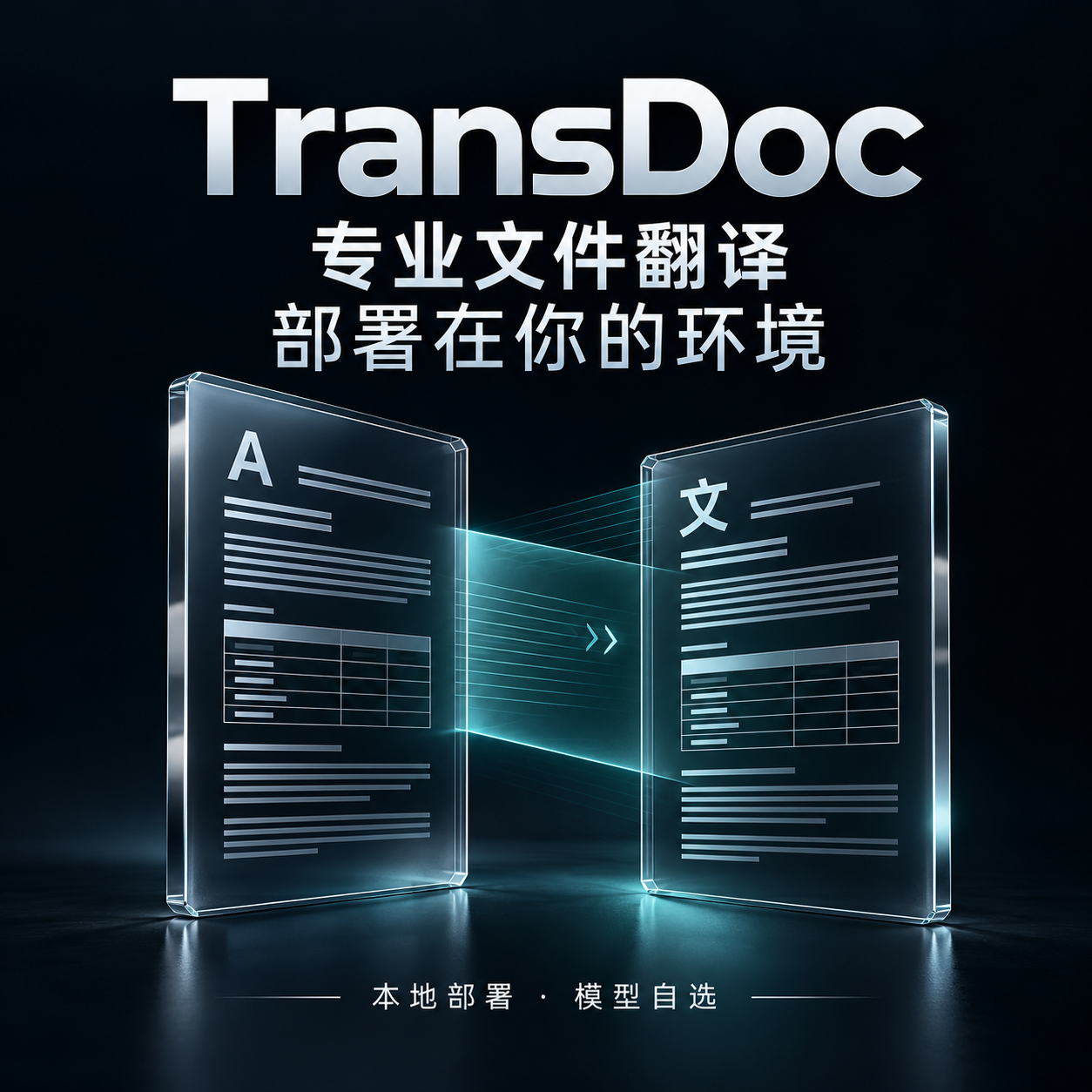
If WeChat blocks downloading, open the original image and press and hold to save. WeChat controls link card appearance; you can also post the image with the link. The cover artwork is in Chinese.